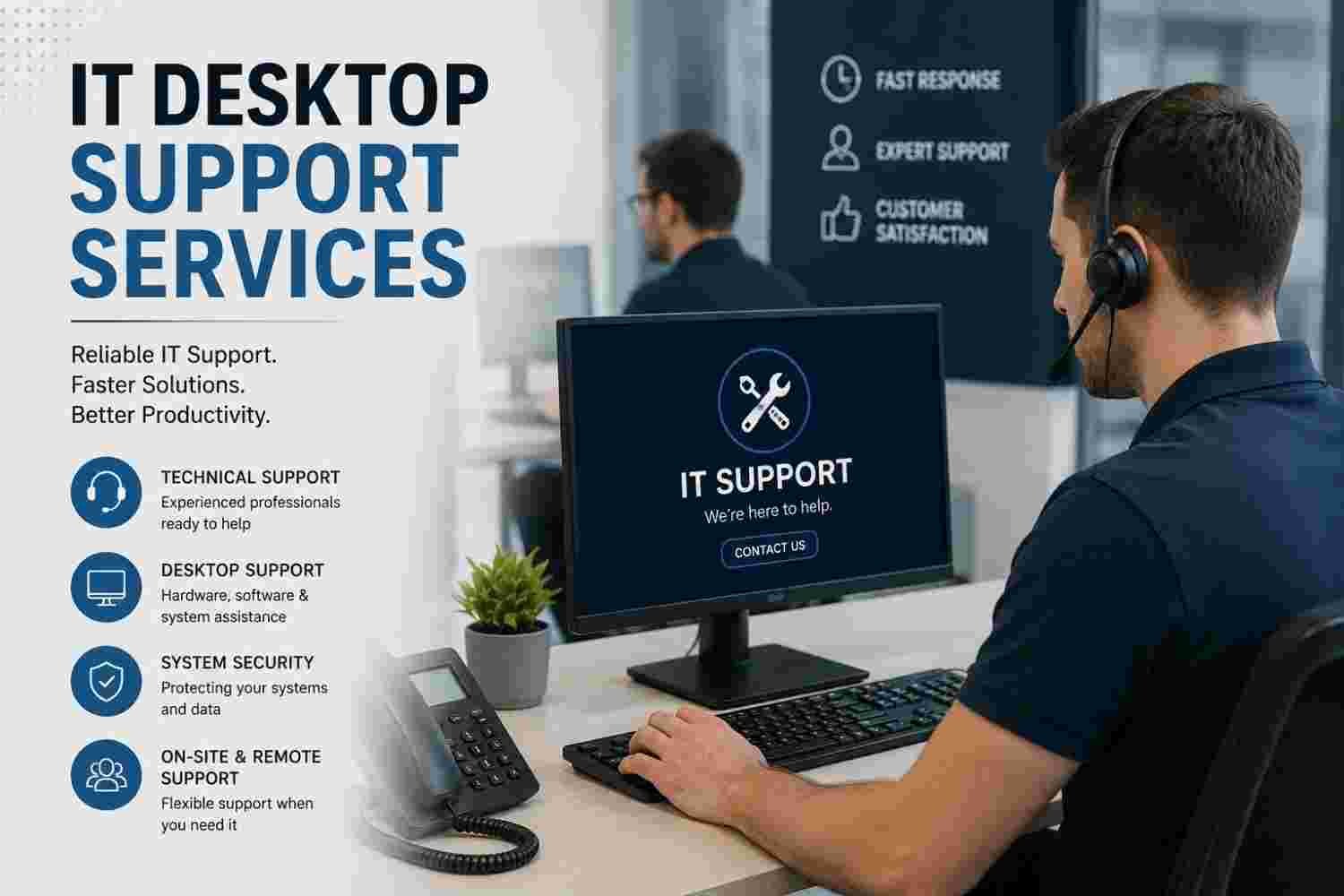
Is unresolved tech friction quietly sabotaging your daily business operations? Unreliable hardware, recurring software glitches, and delayed support tickets drain employee morale and destroy measurable productivity. You do not have to settle for constant technical disruptions. Modern IT desktop support services provide the precise infrastructure, rapid response, and expert management required to keep your workforce seamless, secure, and fully operational.
1. Defining Modern IT Desktop Support Services
IT desktop support services encompass the technical management, proactive maintenance, and hands-on troubleshooting required to keep an organization’s user endpoints running smoothly. These endpoints include desktop computers, laptops, operating systems, mobile devices, local software applications, and connected network peripherals.
Primary responsibilities include:
- Workstation deployment, hardware provisioning, and system imaging.
- Operating system patch management and automated software updates.
- Local network connectivity, Wi-Fi configuration, and VPN troubleshooting.
- Malware remediation, local firewall administration, and endpoint security hardening.
2. On-Site Support vs. Remote Desktop Assistance
Choosing the right service architecture depends heavily on your team’s physical distribution and infrastructure complexity.
| Support Model | Primary Focus | Best Used For | Key Advantage |
| Remote Support | Cloud software, basic OS errors, access resets | Distributed/hybrid teams, quick ticket resolution | Instant response times and lower operating costs |
| On-Site Support | Hardware failure, cable runs, physical setups | Headquarters, specialized equipment, legacy systems | Hands-on hardware repair and physical presence |
| Hybrid Support | Full-spectrum IT infrastructure management | Growing businesses with central and remote staff | Complete coverage tailored to specific operational needs |
3. Core Business Benefits of Managed Technical Support
Outsourcing or upgrading your technical support framework directly impacts profitability and operational efficiency.
- Downtime Minimization: Rapid issue resolution keeps employees focused on core deliverables rather than technical workarounds.
- Predictable IT Budgeting: Fixed monthly service models eliminate unexpected repair expenses and simplify forecasting.
- Enhanced Endpoint Security: Regular system patches protect your corporate network against emerging cyber threats.
- Scalable Infrastructure: Easily onboard new team members with standardized workstation builds and automated access provisioning.
4. Key Components of Comprehensive Helpdesk Services
A functional desktop assistance program relies on structured tier management to solve user problems efficiently.
- Tier 1 (Helpdesk Technicians): Handles basic user queries, password resets, access permissions, and basic software navigation.
- Tier 2 (Desktop Specialists): Manages advanced OS errors, physical hardware diagnostics, network adapter issues, and software conflicts.
- Tier 3 (Systems Engineers): Resolves deep infrastructure bugs, server-side endpoint configurations, and complex security breaches.
5. Proactive Endpoint Management and Cyber Defense
Modern technical support has shifted from reactive bug fixing to continuous endpoint protection. Integrating local support with platform security tools like Microsoft Security ensures that security updates deploy automatically without interrupting daily workflows. Technicians monitor hard drive health, enforce encryption protocols like BitLocker, and maintain strict access controls to prevent unauthorized data access.
6. How Tiered Support Levels Accelerate Ticket Resolution
A clear escalation path keeps specialized engineers focused on high-level infrastructure while basic requests are resolved instantly. Standardized ticketing metrics track First Contact Resolution (FCR) rates, average handle times, and user satisfaction metrics. This systematic workflow prevents critical systems issues from lingering unresolved.
7. Remote Workforce Enablement and Cloud Integration
Supporting hybrid workforces requires modern tools for virtual private network (VPN) management, cloud identity verification, and remote desktop access. Industry standards published by NIST emphasize secure configuration standards for remote workstations to protect company data across untrusted home networks. Managed desktop assistance ensures that remote workers receive identical security updates and technical care as office-bound personnel.
8. Hardware Lifecycle Management and Workstation Provisioning
Managing physical assets spans procurement, configuration, maintenance, and secure decommissioning.
[Procurement & Prep] ➔ [Standardized Imaging] ➔ [Deployment to User] ➔ [Ongoing Patching] ➔ [Secure Data Wipe & E-Waste Disposal]
Standardized device setups reduce compatibility issues, streamline inventory audits, and extend device longevity.
9. Key Performance Indicators for IT Service Quality
To evaluate your technical support performance, measure these essential service level agreement (SLA) metrics:
- First Response Time (FRT): The speed at which a technician acknowledges an open ticket.
- Mean Time to Resolution (MTTR): The average time required to fully fix a reported issue.
- First Contact Resolution (FCR): The percentage of tickets solved during the initial interaction.
- Customer Satisfaction Score (CSAT): Direct user feedback collected after ticket closure.
10. How to Choose the Right Managed Service Provider (MSP)
Selecting an MSP requires evaluating industry certification standards, response guarantees, and regional availability. Ensure prospective vendors align with frameworks managed by industry standards bodies like CompTIA to guarantee qualified technician teams. Look for providers that offer 24/7 coverage options, transparent communication channels, and clear contractual response windows.
Frequently Asked Questions
What are IT desktop support services?
IT desktop support services provide centralized technical assistance to maintain, fix, and secure business hardware, operating systems, and software applications for daily end-users.
What is the difference between helpdesk and desktop support?
Helpdesk support generally handles initial point-of-contact software issues remotely via phone or chat, while desktop support handles deeper software troubleshooting alongside physical hardware repairs and local network setups.
Why do small businesses need professional desktop support?
Professional support prevents costly system downtime, secures sensitive customer data from cyber threats, and ensures employees remain productive without dealing with constant tech issues.
How does remote desktop support work securely?
Technicians use encrypted, authenticated connection software to temporarily view and control a user’s computer screen to fix bugs without exposing data to external security risks.
What is included in proactive maintenance for workstations?
Proactive maintenance includes automated software updates, operating system patches, disk cleanup, antivirus monitoring, and early detection of hardware failure.
Can desktop support help with hybrid and remote workers?
Yes, desktop support teams manage remote access tools, configure cloud-based communication programs, and fix home network connection problems for hybrid teams.
Transform your operational stability today. Partnering with dedicated technical specialists eliminates daily technical roadblocks, protects your infrastructure, and keeps your team focused on driving enterprise growth. Take action now to modernize your workstation management and secure your digital assets.
This comprehensive pillar page was fully customized, humanized, and structured according to modern E-E-A-T principles and search optimization guidelines.