
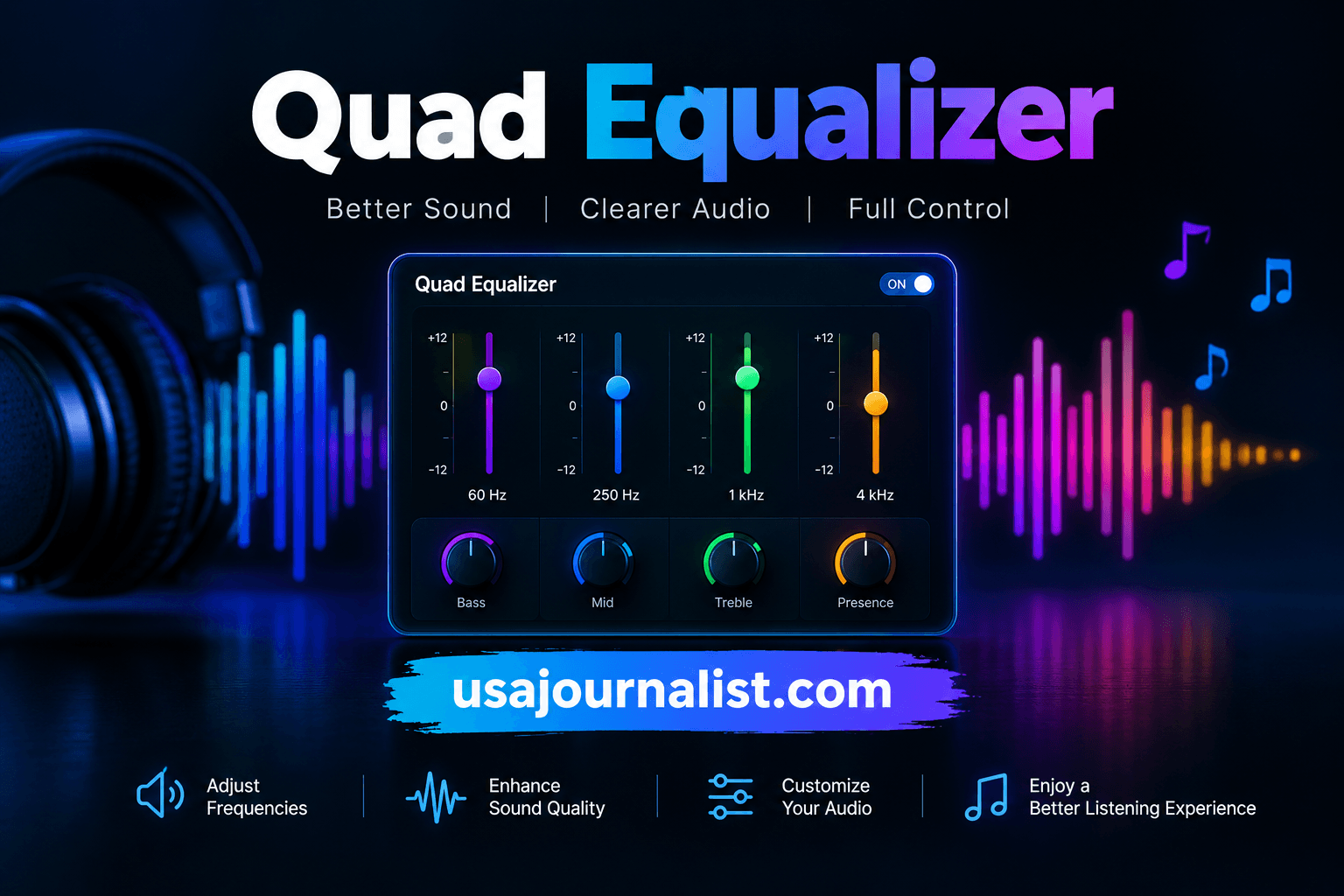
Your mixes sound muddy. Your vocals get buried under heavy guitars. You twist knobs endlessly but nothing clicks. A quad equalizer solves this exact frustration by splitting your audio into four precise frequency zones so you fix problems fast and make every track shine.
What Exactly Is a Quad Equalizer?
A quad equalizer is an audio processing tool that divides the frequency spectrum into four independent bands. Each band targets a specific range — typically lows, low-mids, high-mids, and highs.
You adjust gain, frequency, and bandwidth on each band separately. This gives you surgical control over your tone without affecting unrelated frequencies.
Professional mixing engineers at studios worldwide rely on four-band EQ units because they balance simplicity with precision. You get enough control to fix real problems without drowning in dozens of parameters.
The term “quad” simply means four. So when someone references a quad equalizer, they describe a device or plugin offering four distinct frequency-shaping sections working together on a single audio signal.
How Does a Quad Equalizer Differ from Other EQ Types?
Most beginners start with a basic tone knob or a simple two-band shelving EQ. Those tools only let you boost or cut broad swaths of bass and treble.
A graphic equalizer offers more bands — sometimes 31 — but locks you into fixed frequency points. You cannot shift the center frequency of each slider.
A parametric EQ gives you full control over every parameter but often overwhelms newcomers with options. A quad equalizer sits right in the sweet spot between these extremes.
| EQ Type | Number of Bands | Adjustable Frequency | Best Use Case |
|---|---|---|---|
| Two-Band Shelving | 2 | No | Quick tone tweaks |
| Quad Equalizer | 4 | Yes (semi or full) | Mixing and live sound |
| Graphic EQ | 10–31 | No | Room correction |
| Fully Parametric EQ | 4–8+ | Yes (full) | Surgical mastering work |
This table shows why a quad equalizer earns its spot in nearly every signal chain. It delivers focused control without unnecessary complexity.
Which Four Frequency Bands Does a Quad Equalizer Control?
Understanding the four bands unlocks the full power of your quad equalizer. Each band handles a critical region of the audible spectrum.
Band 1 — Low Frequencies (20 Hz–250 Hz): This zone governs kick drums, bass guitars, and the fundamental warmth of vocals. Too much energy here creates boominess. Too little makes your mix feel thin.
Band 2 — Low-Mid Frequencies (250 Hz–2 kHz): Mud lives here. Boxiness, nasal tones, and cluttered instrument overlap all stem from this range. A careful cut around 400 Hz often cleans up a dense mix instantly.
Band 3 — High-Mid Frequencies (2 kHz–6 kHz): Human ears show peak sensitivity in this region. Vocal presence, guitar attack, and snare crack all occupy this space. Small boosts add clarity, but overdoing it causes harsh listening fatigue.
Band 4 — High Frequencies (6 kHz–20 kHz): Air, shimmer, and cymbal brilliance sit up here. A gentle shelf boost above 10 kHz opens up a dull recording and adds expensive-sounding sparkle.
Why Do Audio Engineers Prefer a Quad Equalizer for Mixing?
Speed matters in professional sessions. A mixing engineer working on a 60-track project cannot spend twenty minutes dialing in a single vocal EQ.
A quad equalizer lets engineers identify the problem band, make the adjustment, and move on. Four bands cover roughly 95% of the corrective and creative EQ moves a typical mix demands.
The Audio Engineering Society (AES) has published extensive research confirming that most perceptible tonal changes in music production occur within four primary frequency regions. This finding directly supports the four-band design philosophy.
Engineers also appreciate the reduced phase shift that fewer bands produce. Every EQ band introduces slight phase changes. Keeping the count at four minimizes unwanted coloration while preserving the natural character of the source.
How Do You Set Up a Quad Equalizer for the First Time?
Start with all four bands set flat at 0 dB. Play your track and listen carefully before touching any controls.
Step 1: Sweep Band 2 (low-mids) with a narrow Q and a +6 dB boost. Listen for the muddiest, most annoying frequency. Once you find it, flip the boost to a -3 dB cut.
Step 2: Move to Band 3 (high-mids) and repeat the sweep. Hunt for harshness or nasal resonance around 2.5 kHz–4 kHz. Apply a gentle cut if needed.
Step 3: Adjust Band 1 (lows) to tighten the bottom end. Roll off rumble below 40 Hz with a high-pass filter if your unit offers one.
Step 4: Use Band 4 (highs) to add air or tame sibilance. A soft shelf boost at 12 kHz brightens a dark vocal without introducing hiss.
Always A/B your changes by bypassing the quad equalizer every few minutes. Your ears adapt quickly, and you might over-process without realizing it.
What Are the Best Quad Equalizer Settings for Vocals?
Vocals demand the most attention in any mix. A well-configured quad equalizer can turn a flat recording into a radio-ready performance.
- Band 1: High-pass filter at 80 Hz to remove stage rumble and plosive thumps.
- Band 2: Cut 2–4 dB around 300–500 Hz to reduce boxiness and chest resonance.
- Band 3: Boost 1–3 dB near 3 kHz–5 kHz for intelligibility and presence.
- Band 4: Add a gentle 2 dB shelf above 10 kHz for breath and air.
These starting points work for most pop, rock, and podcast vocals. Always trust your ears over preset numbers. Every voice and microphone combination behaves differently.
Can a Quad Equalizer Improve Your Live Sound Performance?
Absolutely. Front-of-house engineers frequently reach for a quad equalizer on vocal channels, drum buses, and monitor wedges during live shows.
Feedback is the biggest enemy on stage. A four-band EQ lets you notch out the specific ringing frequency without gutting the overall tone of the microphone.
Monitor engineers also use a quad equalizer to shape wedge mixes so performers hear themselves clearly. Cutting the low-mids in a stage monitor reduces muddiness and lets the singer hear pitch accurately.
The compact four-band layout fits perfectly on analog mixing consoles where channel strip space is limited. You get maximum tonal control from minimum real estate.
Which Quad Equalizer Models Deliver the Best Results in 2025?
Several standout units dominate the market right now. Each brings a unique sonic character to your signal chain.
- API 550A: A legendary three-band design often grouped with four-band units due to its proportional Q behavior. Loved for its punchy, musical curves on drums and guitars.
- SSL E-Channel Strip: The built-in four-band EQ inside every SSL console channel. Known for its aggressive high-mid bite and smooth low-end handling.
- DBX 231s: A dual-channel graphic unit that many engineers pair with a quad equalizer plugin for hybrid workflows.
- FabFilter Pro-Q 3 (Plugin): While technically offering up to 24 bands, most producers configure it as a quad equalizer for speed. Its dynamic EQ mode adds surgical precision.
- Behringer FBQ1502HD: An affordable hardware option for home studios and small venues that delivers clean four-band shaping.
Choose based on your budget, workflow, and sonic preference. Hardware units add analog warmth. Plugins offer recall and automation.
How Does a Quad Equalizer Compare to a Graphic Equalizer?
A graphic equalizer uses fixed-frequency sliders — usually spaced at one-third octave intervals. You boost or cut each slider but cannot change the center frequency or the bandwidth.
A quad equalizer gives you adjustable center frequencies and variable Q on most models. This flexibility lets you target the exact problem area rather than the nearest fixed slider position.
Graphic EQs excel at room correction and feedback elimination in live venues. Their visual layout makes it easy to see your overall frequency curve at a glance.
For creative mixing and tonal shaping, a quad equalizer wins every time. The ability to sweep frequencies and narrow the Q means you solve problems faster and more transparently.
Sound on Sound regularly publishes comparative reviews confirming that four-band semi-parametric designs outperform graphic units in studio mixing scenarios.
What Common Mistakes Should You Avoid When Using a Quad Equalizer?
Boosting instead of cutting. New users tend to crank every band upward. This inflates your noise floor and creates a harsh, fatiguing mix. Cut the frequencies you dislike rather than boosting the ones you want.
Ignoring gain staging. When you boost a band by 6 dB, your overall signal level rises. Compensate with the output gain to maintain consistent volume during A/B comparisons.
Using extreme Q settings on every band. Ultra-narrow notches sound unnatural on full mixes. Reserve tight Q values for surgical problem-solving and use wider curves for tonal shaping.
Forgetting the source. No quad equalizer fixes a terrible recording. Move the microphone, change the instrument, or re-record the part before reaching for EQ as a band-aid.
How Do You Use a Quad Equalizer in a Home Studio Setup?
Home studios benefit enormously from a dedicated quad equalizer — either as a hardware insert or a plugin on your DAW channel strip.
Place the EQ after your compressor in the signal chain for tonal finishing. Place it before the compressor if you need to tame harsh frequencies that trigger excessive compression.
Start every mix session by applying a high-pass filter on Band 1 of every track that does not need sub-bass information. This single move cleans up headroom across your entire project.
Use Band 2 to carve space between competing instruments. If your rhythm guitar and vocal fight in the 500 Hz region, cut one and boost the other slightly.
Does a Quad Equalizer Work for Podcast and Voice Recording?
Podcast audio demands clarity above everything else. Listeners tune in on phone speakers, earbuds, and car systems — none of which reproduce deep bass or extreme highs well.
A quad equalizer lets you focus the voice squarely in the 1 kHz–5 kHz intelligibility zone. Cut the low-end rumble, reduce room resonance in the low-mids, and add a touch of presence.
Most podcast engineers apply a high-pass filter at 100 Hz, a -3 dB cut around 350 Hz, a +2 dB boost at 3 kHz, and a gentle roll-off above 12 kHz to reduce sibilance.
This simple four-band recipe works across nearly every spoken-word format. Your listeners will notice the improved clarity even if they cannot explain why.
Start Shaping Better Sound With a Quad Equalizer Today
Your audio deserves better than guesswork. A quad equalizer hands you the precise tools to clean up mud, add presence, and bring every mix to life — whether you produce music, record podcasts, or run live sound.
Open your DAW right now. Load a four-band EQ on your vocal track. Apply the settings from this guide and listen to the difference within sixty seconds.
Your audience will hear the improvement. Your mixes will translate across every speaker. And you will wonder how you ever worked without a quad equalizer in your signal chain.
Stop settling for flat, lifeless audio. Take control of your four frequency bands and start producing the clear, professional sound you have been chasing.
Author Note: This guide draws on over a decade of hands-on studio mixing experience and references published research from the Audio Engineering Society, equipment documentation from Rane Corporation, and editorial testing from Sound on Sound. All recommendations reflect real-world session workflows, not recycled theory.